Age 6+minimum age
Education for the future
Children learn to think, to create and to complete their projects
From play to real digital projects! Coding helps children become creative, confident and ready for the digital world.
6-8 childrenin small groups
100% practicalno lengthy theory
Certificateat the end of the course
Scratch interactive games
Web Design first website
HTML & CSS modern pages
JavaScript real interaction
Small groups individual attention
Final project certificate
Why is it worth joining?
Skills that go beyond the screen
Children do not memorize code. They learn to ask questions, try, fix and turn an idea into a result they are proud of.
Logical thinking
They learn to solve problems step by step and find clear solutions.
Creativity
They turn ideas into games, animations and websites with personality.

Self-confidence
They complete real projects and gain confidence in their own abilities.
Life skills
They practise perseverance, organisation, patience and collaboration.

Ready for the future
They build digital skills that are useful at school and beyond.
Hands-on courses
Two paths. The same courage to create.
Scratch
First steps in coding
- Coding through play and interactive animations.
- Their first games, built step by step.
- Logic, creativity and the courage to experiment.
Outcome: fun and educational projects coded by children.
Web Design
First website
- Build a complete website from scratch.
- Learn HTML, CSS and JavaScript through practice.
- Turn ideas into modern, responsive pages.
Outcome: a real digital project, just like in the professional IT world.
Scratch adventures, from home
Choose a pack and build projects step by step, at your own pace.
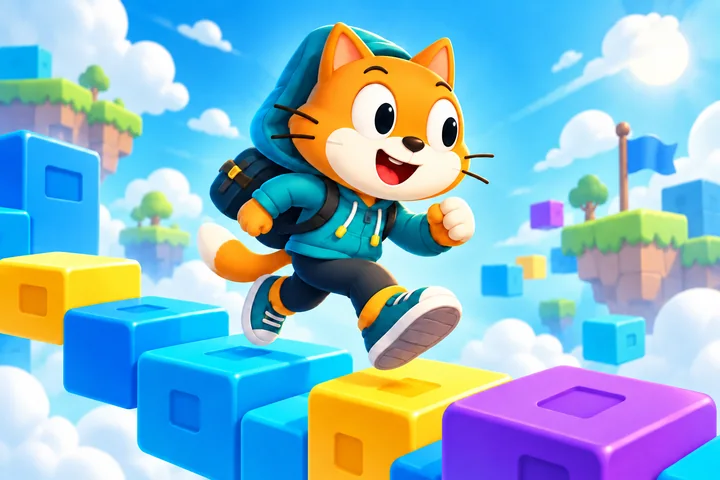
First steps in Scratch
3 projectsFrom the first blocks to movement and animations, at your child’s own pace.
- Brings a sprite to life by making it speak and move with the arrow keys.
- Changes values in blocks and sees how movement and colours change.
- Uses loops for an animation instead of copying the same command.
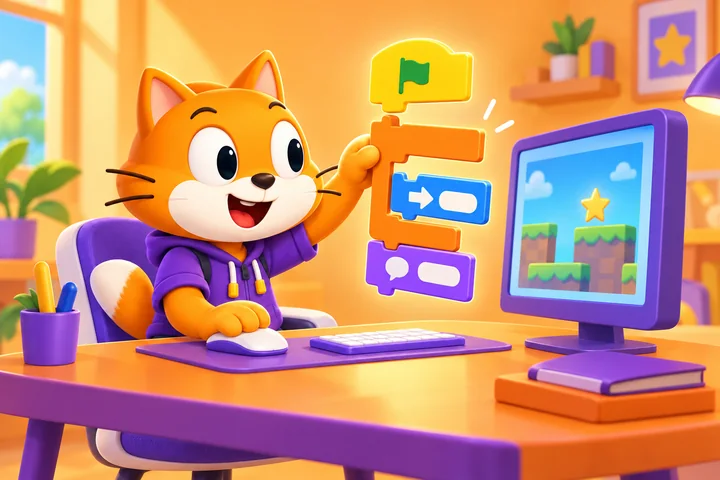
Game creator
6 projectsTurn ideas into games with scores, challenges and original rules.
- Creates games where the sprite catches treasures and avoids obstacles.
- Adds a score and a time limit to give the game a clear challenge.
- Builds a quiz that checks answers and awards points.
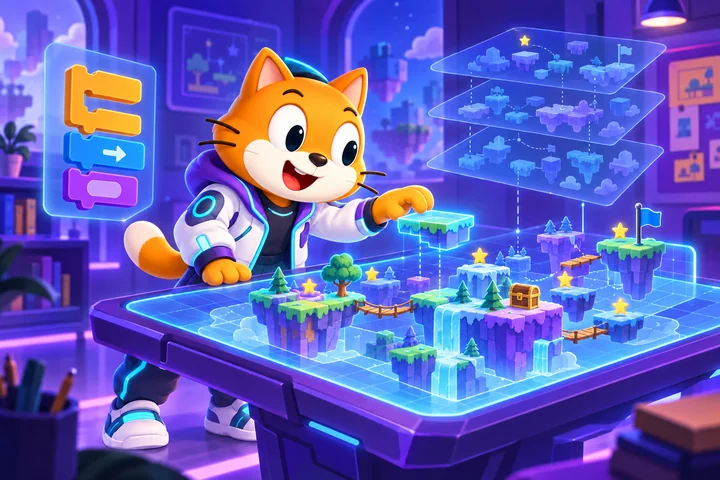
Advanced Scratch adventures
9 projectsBuild bigger projects and learn to test and improve them.
- Programs jumps and lives so the sprite reacts to platforms and traps.
- Creates an inventory where a collected key can unlock a door.
- Uses clones and custom blocks instead of copying the same instructions.
How does it work?
A clear, friendly and practical pace
Every child works actively, receives guidance and completes a final project.
One lesson per week, at a pace suited to children. No previous experience needed — we start from zero, step by step.
The right age
Scratch is suitable from age 6+, while Web Design is recommended from age 8-9.
- No previous experience is needed.
- Content adapted to each child’s pace and age.
Small groups
We work with 6-8 children so everyone can ask questions, test and receive help.
- Collaboration and teamwork.
- Personal guidance and feedback.
100% practical
One one-hour lesson per week, focused on creation and immediate practice.
- Children write, test and improve.
- Visible progress from one lesson to the next.
Final project
At the end, every child presents what they built and explains their choices.
- Clear feedback and a completion certificate.
- A first project for their personal portfolio.
6+ years of coding teaching experience
1 lesson per week
Feedback clearly shared with parents
Projects made by children
A gallery where ideas come to life
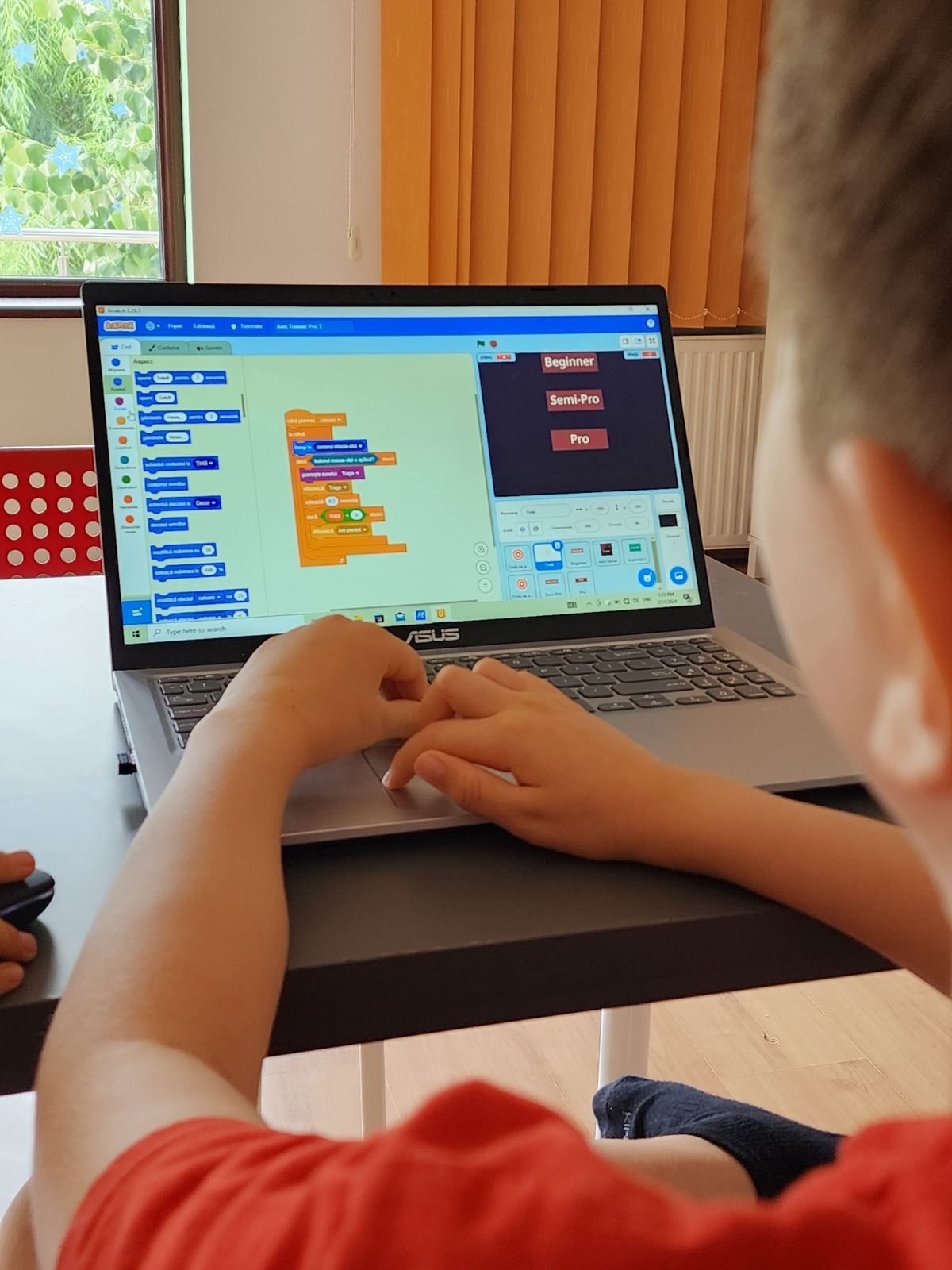
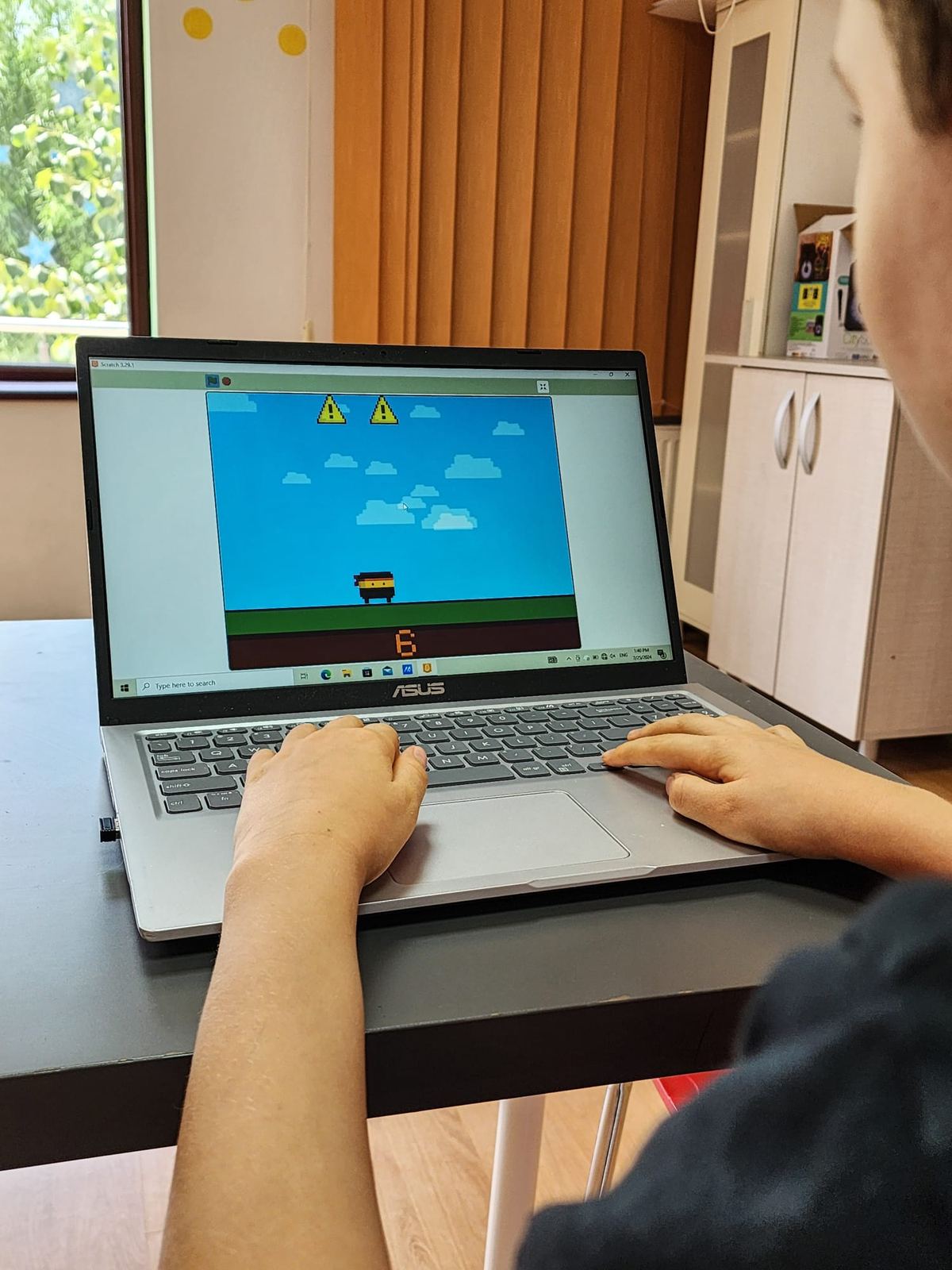
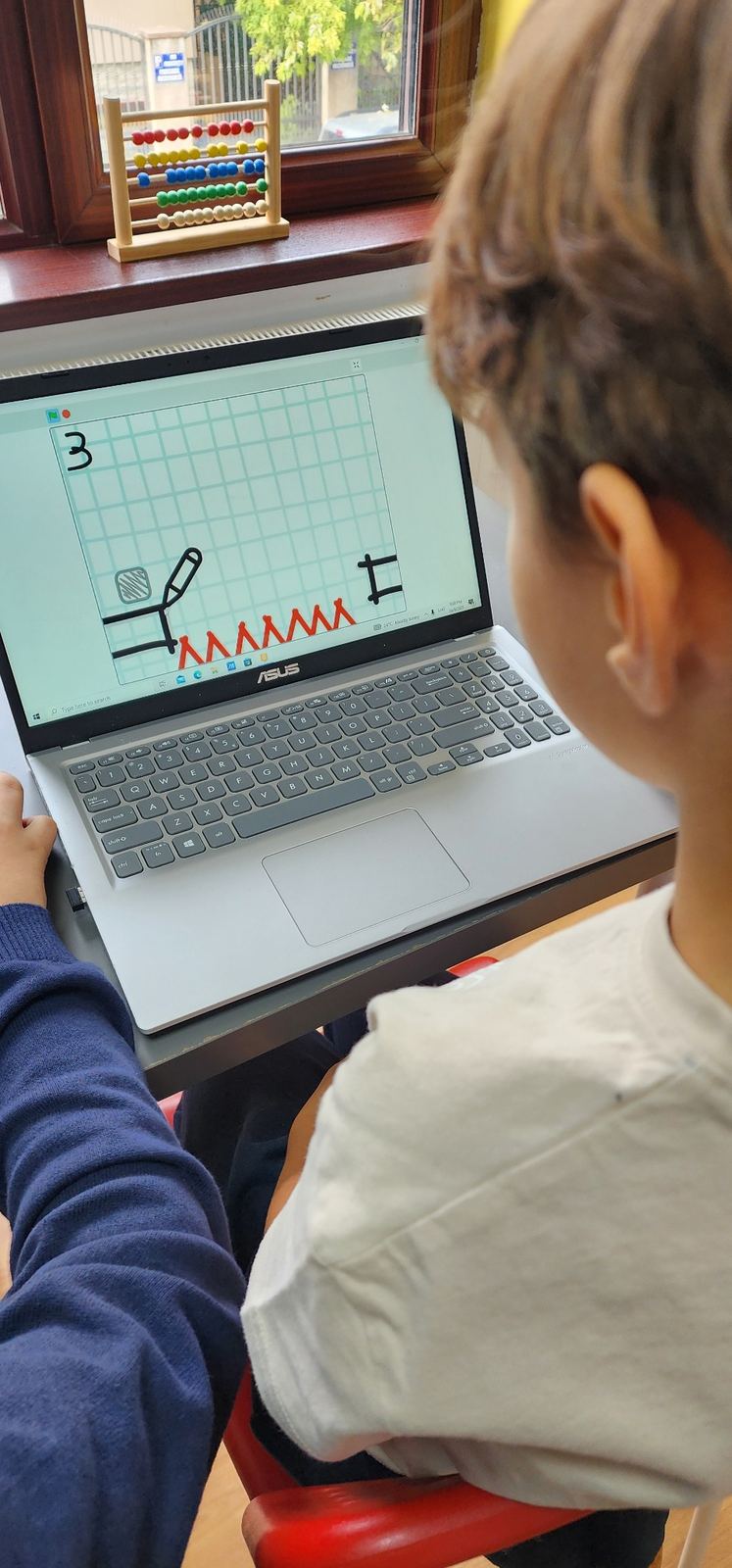
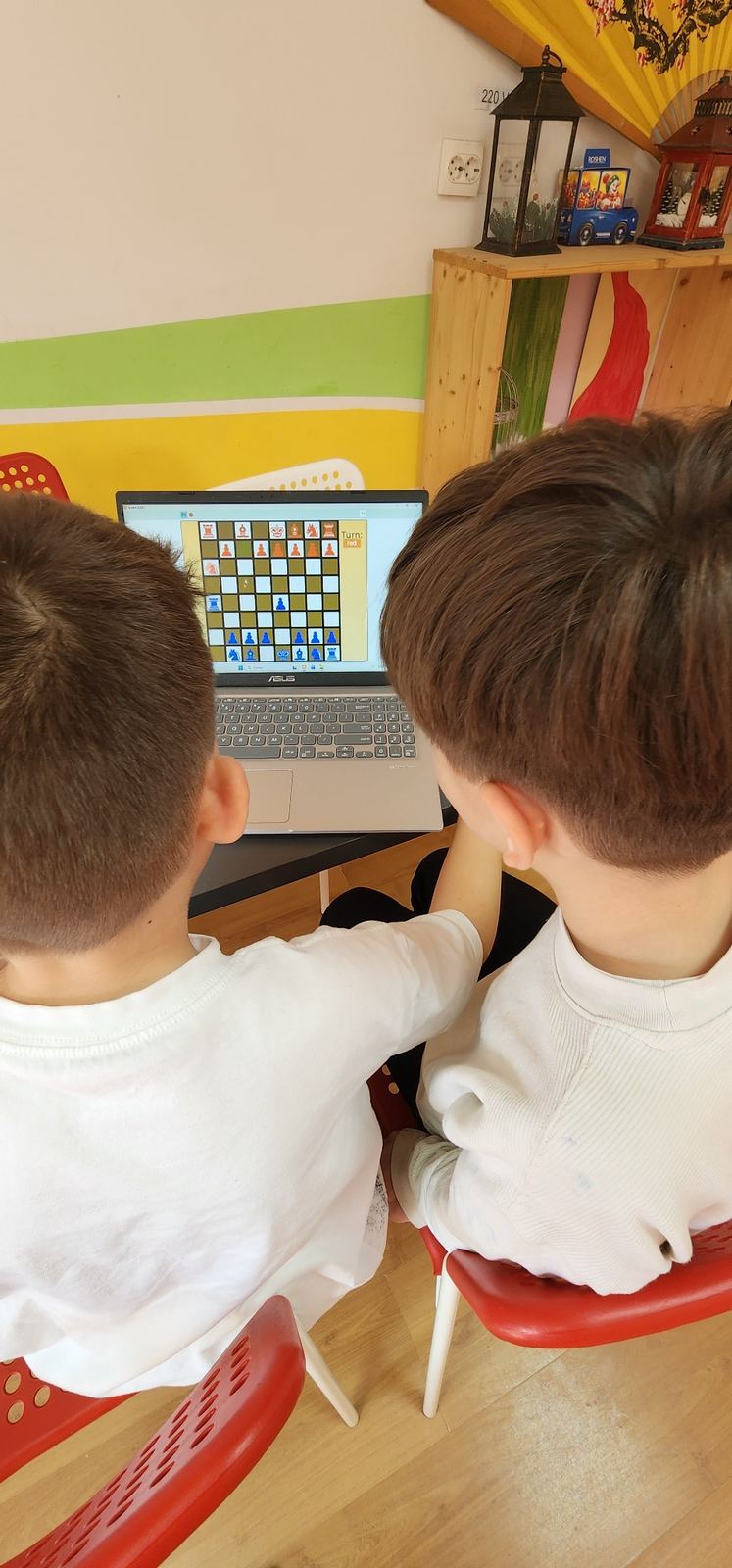
Games, animations, characters and web pages. The gallery is ready for the project images you add.
Published websites
Projects that can be visited online
They are not just exercises saved on a computer. They are working websites, published and ready to explore.
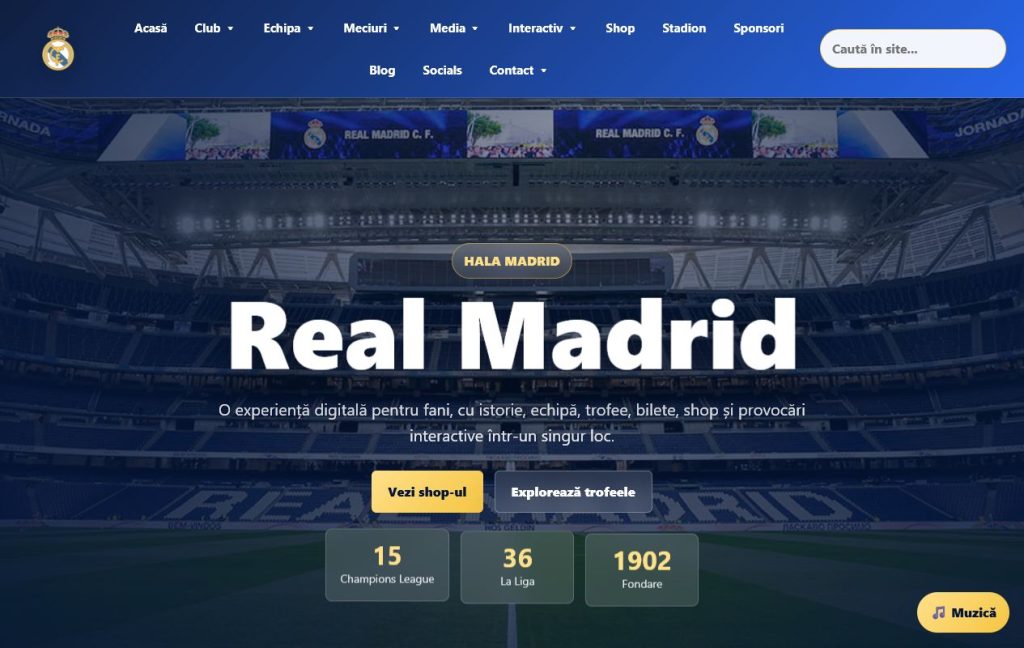
A fan website with history, team, trophies, shop and interactive elements.
- HTML
- CSS
- JavaScript
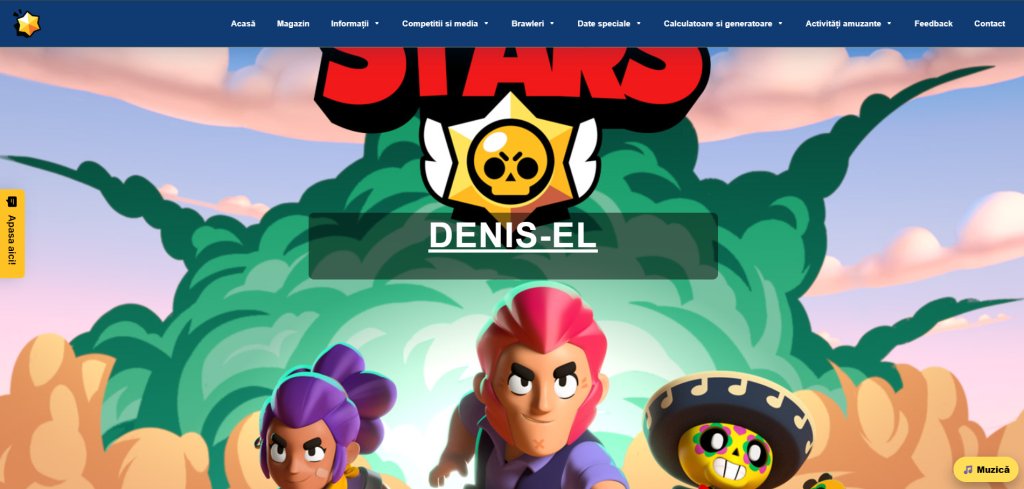
Website dedicat universului Brawl Stars, cu brawleri, skin-uri, hărți, muzică și conținut interactiv.
- HTML
- CSS
- JavaScript
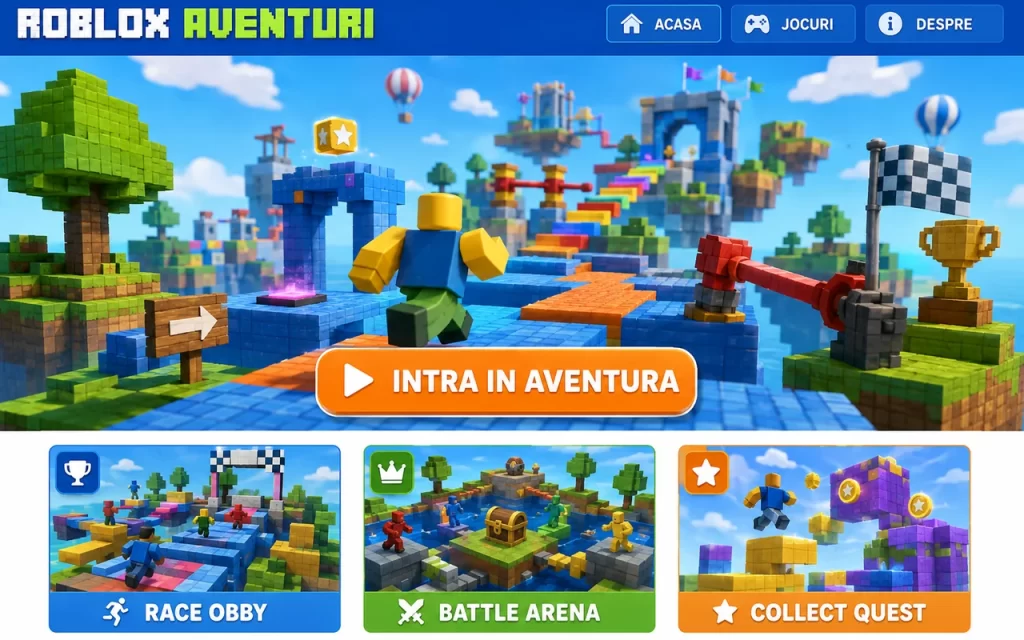
A portal for Roblox games and worlds, with recommended adventures, guides and building ideas.
- HTML
- CSS
- JavaScript
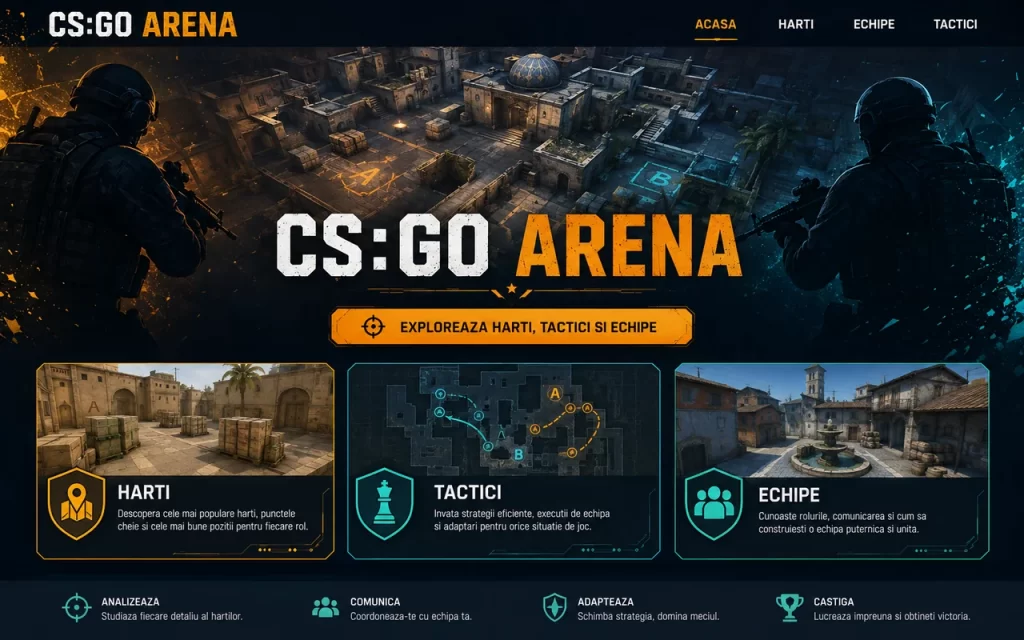
An esports website with teams, maps, statistics and a competition schedule.
- HTML
- CSS
- JavaScript
Ideas for parents and children
Stories about learning and technology
Practical resources, clear explanations and news from the kids.iuli.dev world.
A Conversation About Cyberbullying Begins with Listening
Children need to know they can ask for help without blame or an immediate reaction that makes the situation larger.
Read story
Not All Screen Time Is the Same
A practical way to distinguish passive consumption from digital activities that build curiosity, creativity and independence.
Read story
Children and the Internet: Why Guidance Works Better Than a Ban
Build safer digital habits with clear boundaries, practical projects and conversations that help children make better choices online.
Read story
Visible results
Less passive consumption. More creation.
Children discover that technology is not only for entertainment, but also for building, explaining and taking initiative.
Easy-to-see progress
Parents see the results from one lesson to the next through completed projects.
Personal feedback
Every child receives guidance suited to their pace and level.
Genuine motivation
The satisfaction of making their own project gives them courage to try more.
Logical thinking
They learn to split a challenge into simple steps and look for solutions.
Creativity and initiative
They turn their own ideas into games, animations and web pages.
Communication and confidence
They explain their project, answer questions and present their result.
The course experience
What parents and children say
“My son has become much more confident and passionate about technology. He looks forward to every lesson and proudly shows me what he created.”
— Andreea, mother